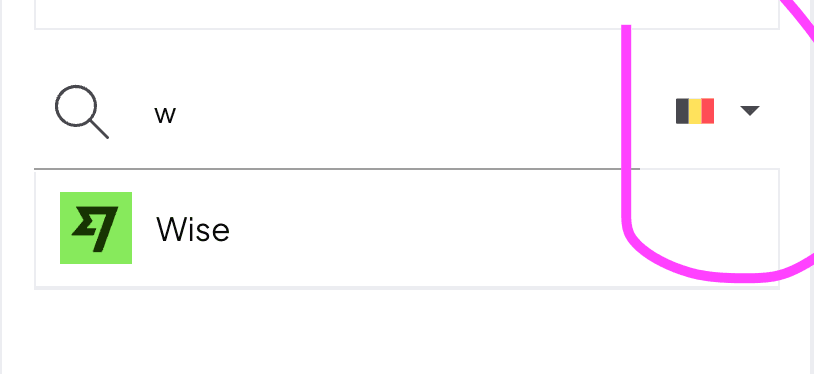
You connect PayPal and Wise like a bank, through bank sync. You find Wise in the bank list for Belgium.
Updated
You connect PayPal and Wise through bank sync, like any other bank. Norman then imports their transactions automatically, the same as for your bank account.
Open the bank list
Open Accounting.
Select + Add.
Select Sync your bank.
Select See all banks. Norman shows a search field with a country flag to its right.
Connect PayPal
Search for "PayPal" in the Find a bank field.
Select PayPal in the list.
Norman opens a new tab. Follow the steps there and log in with your PayPal credentials.
Connect Wise
Wise is not in the list for Germany. It is in the list for Belgium, because the bank address of Wise is in Belgium.
Click the flag to the right of the search field and select Belgium.
Search for "Wise" in the Find a bank field.
Select Wise in the list.
Norman opens a new tab. Follow the steps there and log in with your Wise credentials.
Select the Belgian flag to the right of the search field. Wise then appears in the list.
The country menu only changes the bank list. Your company details stay the same.