
Getting started: an sp. z o.o. in Norman
How to set up a Polish limited company: CIT rate, VAT, register details on invoices, tax office, KSeF token and CIT advances.
Updated
This article is for a limited liability company (sp. z o.o.) in Poland. Norman does not support the spółka jawna or the spółka komandytowa.
In Norman an sp. z o.o. keeps full books on a company chart of accounts, in złoty. Norman prepares the JPK_V7, the CIT advances and a draft of the annual CIT-8, and you check them. Norman files the JPK_V7 with the tax office after you approve it. A person who represents the company signs it with a qualified electronic signature.
1. Answer the setup questions
- Where is your business based? Choose Poland.
- What describes you best? Choose Company. If the company is still being formed, choose I am starting a business and then Open a sp. z o.o.
- Enter the company name.
- Since when does Norman keep the company's books? Choose From this month, From the start of the year or From another month. Earlier months stay with your previous accountant and do not show as overdue. A company founded this year chooses The company was founded in 2026 and its founding month.
- Are you a VAT payer? and, for an active VAT payer, How often do you file the JPK_V7?
- How is your income taxed? Choose CIT 9 % (small taxpayer or first tax year) or CIT 19 %.
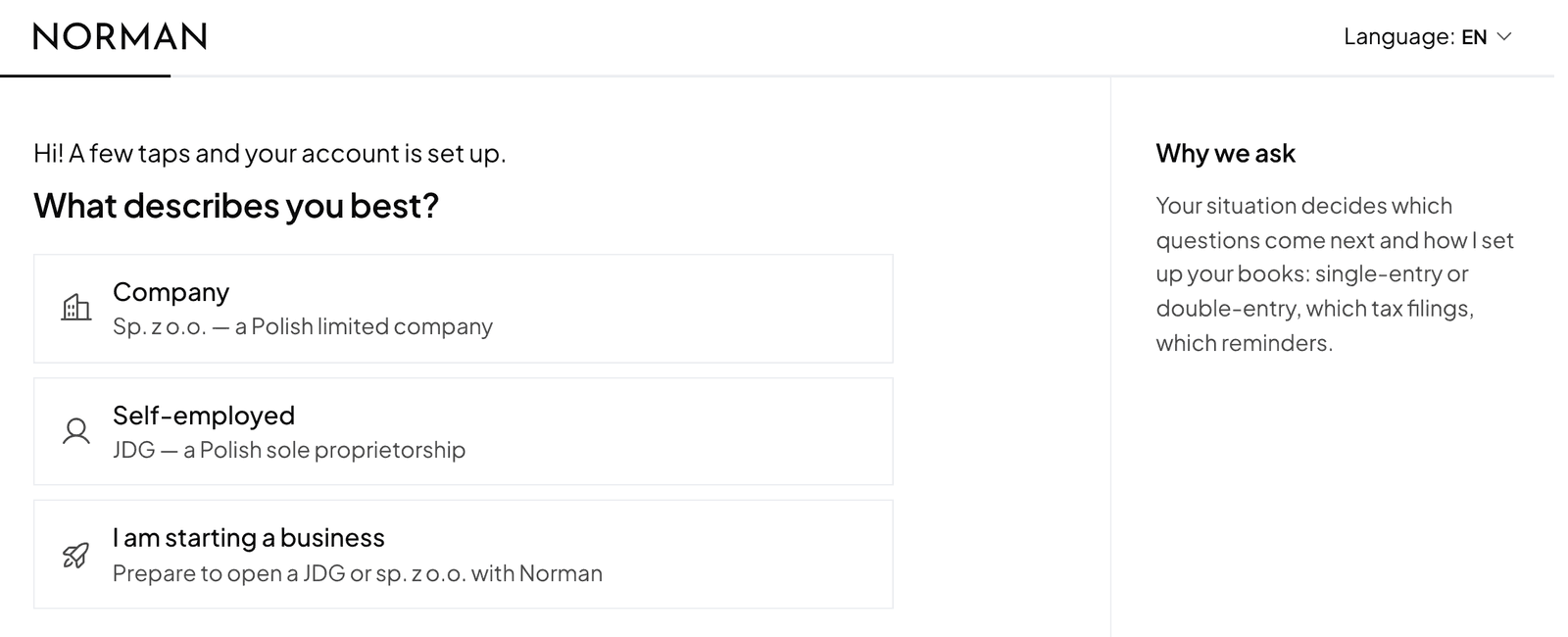
Your answers only set up Norman. They do not notify the tax office or the KRS.
2. Complete the steps on Home
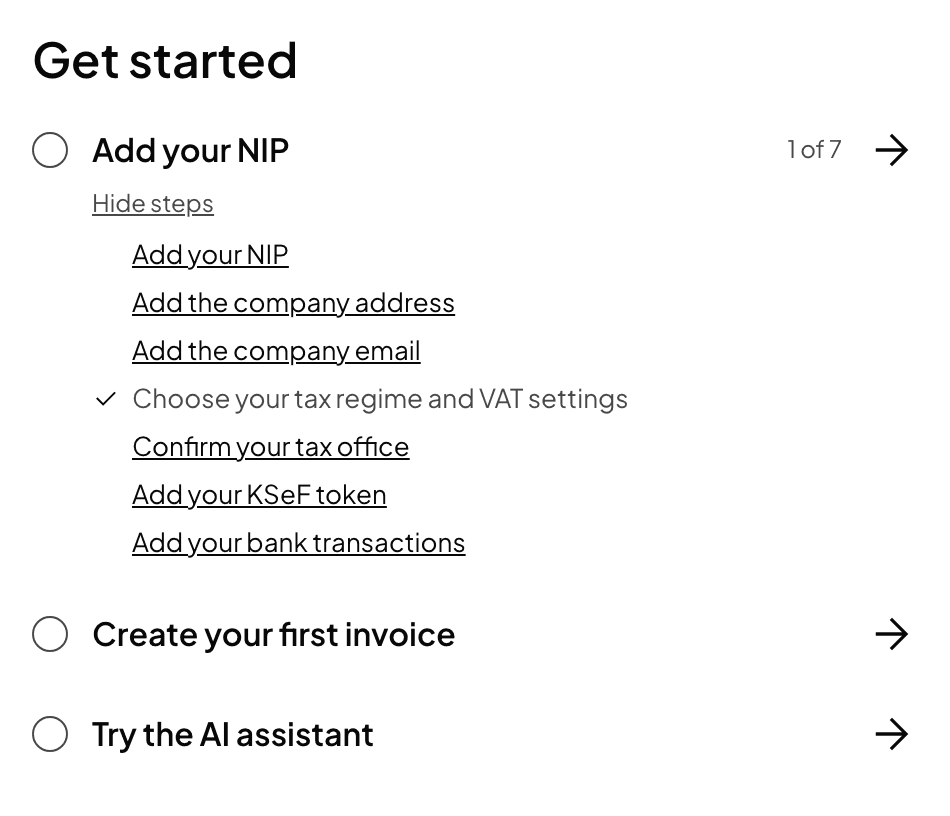
- Add your NIP, Add the company address and Add the company email.
- Choose your tax regime and VAT settings: the CIT rate, the VAT status and the JPK frequency.
- Confirm your tax office: a company's tax office follows its registered seat.
- Add your KSeF token: a company needs a qualified seal or the person named in ZAW-FA. See The KSeF token.
- Add your bank operations: connect your bank or import a CSV statement. See Bank connection and CSV import.
3. Add the register details for your invoices
A company's invoices and emails state its seat, registry court, KRS number and share capital (art. 206 KSH). Fill them in under the invoice settings, in your business details: Seat (siedziba), Registry court and department, KRS number, REGON, Share capital (PLN).
Untick Share capital paid in full only for a company formed in S24 whose contributions have not been made yet. The invoice then says so.
4. Set up CIT advances
Under Account → Taxes, section CIT advances, choose how the company pays its advances for the year: monthly, quarterly or simplified. That is also where you enter losses from earlier years and decide on vehicle costs. Details in CIT in an sp. z o.o..
If Norman keeps the books from a month other than January, enter your figures since the start of the year from your previous books, e.g. the trial balance, under Account → Taxes → Books in Norman: revenue, costs and the CIT advances paid for those months. CIT advances are cumulative from January, so without these figures Norman cannot work them out, and the advance card shows Add your figures since January to work it out.
5. Books
You find the entries under Polish general ledger (Journal and Trial balance). They come from domestic sales invoices, approved purchase documents and PLN operations. Every purchase document with Polish VAT must be reviewed before it goes into the JPK. See Purchase documents and input VAT and Books of an sp. z o.o..
Norman is software, not a tax adviser. Check how revenue and costs are treated with an accountant or a tax adviser.
Switch to AI accounting with Norman
Connect KSeF and your bank, and your operations land in Norman by themselves. Norman prepares your returns from your documents, and you check them.