
Best Accounting Software for Self-Employed in Germany 2026: 10 Tools Compared
10 accounting tools for self-employed in Germany compared, real prices, tax scope, and automation depth. Find the one that actually fits your business.
- Category
- Tools & comparisons
- Updated
- Author
- Diana Chebotareva
You want to handle your bookkeeping digitally, but which tool actually fits? Most comparisons sell feature checklists ("ELSTER interface ✓") that say nothing about whether you'll manually categorise every transaction or the software does it for you. This comparison puts the 10 most relevant accounting tools for self-employed in Germany under the microscope, real prices, real tax scope, real automation depth.
In short: the essentials
- Do you need software? For a simple setup (one income source, EÜR, no employees) software alone is enough. A solo tax advisor (Steuerberater) typically costs €1,800–3,000 per year; software costs €0–360.
- What matters: automation depth, the actual tax scope (USt-VA, EÜR, income tax), real regular pricing instead of promo rates, and GoBD compliance, not the length of the feature list.
- Pricing trap: almost every plan is quoted net (plus 19% VAT), and intro prices often last only 3 months. Gross and regular, the same software quickly costs noticeably more.
- Kleinunternehmer (§ 19 UStG): you don't file a USt-VA. A free tool is usually enough, Norman (free) or Papierkram on its free tier.
- VAT-liable with EÜR: you want to submit USt-VA, EÜR, and ideally income tax from one tool. Few programs do that without an upsell trap, Norman from €9/month, sevDesk and Lexware Office on the mid tier.
Do you even need software?
A solo tax advisor (Steuerberater) typically costs €1,800–3,000 per year. Software costs €0–360. If your situation is simple (one income source, EÜR, no employees), software alone is enough. For more complex cases, a hybrid model makes sense: software for daily bookkeeping and VAT (USt-VA), advisor for income tax and special cases. Where the line sits is laid out in Tax advisor vs. software.
The key distinction is from a plain Excel sheet: a spreadsheet is not GoBD-compliant, because entries can be changed afterwards without an audit trail. As soon as you issue invoices, you need a tamper-proof system. More in the DIY bookkeeping guide.
What actually matters
Four criteria separate good tools from mediocre ones:
- Automation depth, Are transactions auto-categorised, receipts auto-matched, VAT rates recognised? Or do you click through every entry yourself? This is the biggest time sink, and the biggest difference between tools.
- Tax scope, Which returns can you submit directly (USt-VA, EÜR, ESt, GewSt)? Or are you back to ELSTER + advisor at year-end? Many tools stop at the USt-VA.
- Real prices, Promo rates expire after three months, and almost all prices are net. Compare regular pricing including VAT.
- GoBD compliance, Mandatory for everyone. Details in our GoBD bookkeeping guide.
The 10 tools compared
The table below shows regular monthly pricing (no promo rates) and the tax scope you can submit directly. Prices marked "net" are plus 19% VAT.
| Tool | Regular price | Direct submission | Automation | Languages |
|---|---|---|---|---|
| Norman | Bookkeeping free · taxes from €9/mo | USt-VA, EÜR, income tax, trade tax | AI, automatic | EN/DE + more |
| Lexware Office | ~€7.90–32.90/mo net | USt-VA, EÜR | medium | DE |
| sevDesk | €12.90–34.90/mo net | USt-VA, EÜR | medium | DE |
| Vivid Business | free with active account | – | low | DE/EN |
| Accountable | ~€15.50–37.40/mo | USt-VA, EÜR, income tax | medium | DE/EN |
| FastBill | ~€9–28/mo net | – (DATEV export only) | medium | DE |
| Papierkram | free · from €9.90/mo net | USt-VA, EÜR | low | DE |
| Sorted | ~€98/year | USt-VA, EÜR | medium | DE/EN |
| BuchhaltungsButler | By plan and offer | USt-VA | AI receipts | DE |
| WISO MeinBüro | ~€8–18/mo | USt-VA, EÜR | low | DE |
1. Norman, Free AI bookkeeping with full tax scope. Invoicing, receipts, and bank reconciliation are completely free, with no limit. Tax returns (USt-VA, EÜR, income tax, trade tax) come from €9/month. See how filing works on the VAT return software page. The AI categorises transactions and pre-fills the forms. Available in English, German, and more languages, see AI bookkeeping.
2. Lexware Office (formerly Lexoffice), Market leader with the largest integration ecosystem and an optional payroll module. Regular ~€7.90–32.90/month net (S to XL). For EÜR + USt-VA you need at least the L tier (~€16.90/month net). Direct submission for USt-VA and EÜR.
3. sevDesk, Modern interface, strong bank reconciliation, top-rated in several 2026 comparisons. Monthly €12.90 (invoicing), €25.90 (bookkeeping), €34.90 (bookkeeping pro), all net; much cheaper on an annual plan. Solid all-rounder, but limited automation outside of bookkeeping.
4. Vivid Business, Business account + bookkeeping in one app. Free with an active account. Shallow tax features, more of a bank account with a bookkeeping add-on.
5. Accountable, Tax-focused, with its own free tier. The paid plan costs Kleinunternehmer ~€15.50/month (promo, regularly ~€37.40), more for VAT-liable users. German and English interface. See our Accountable alternatives 2026.
6. FastBill, Invoice-centric with automated receipt import, ~€9–28/month net. DATEV export only, no direct tax submission, so you still need an advisor or ELSTER at year-end.
7. Papierkram, Time tracking + project billing, ideal for service providers with project work. Generous free tier, paid from €9.90/month net.
8. Sorted, Very cheap at ~€98/year, annual billing. German + English, a lean feature set for simple solo cases.
9. BuchhaltungsButler combines AI receipt recognition with advisor workflows and DATEV export. Pricing depends on the plan and purchase offer. See our BuchhaltungsButler alternatives guide for the current prices and options for freelancers.
10. WISO MeinBüro, Established German brand by Buhl, ~€8–18/month. Broad feature set, but the interface feels dated in places and offers little automation.
Kleinunternehmer or VAT-liable? That decides too
The most important fork for the self-employed isn't your industry, it's your VAT status:
- As a Kleinunternehmer under § 19 UStG, you don't charge VAT and file no USt-VA. You mainly need clean, GoBD-compliant receipts and an EÜR at year-end. A free tool is almost always enough, Norman's free tier or Papierkram Free are a good start.
- As a VAT-liable business, the advance VAT return (USt-VA) comes in monthly or quarterly, plus the annual VAT return. Now it matters that the software submits the USt-VA directly to ELSTER, otherwise you end up typing the numbers into the tax-office portal by hand.
In both cases, the EÜR is your central profit calculation. Tools that only export the EÜR but can't submit it push you back to ELSTER at year-end. This is exactly where it pays to check, before subscribing, what's truly "directly submittable."
The starter book for your self-employment
Free e-book: registration, accounting, your first invoice, and taxes, plus a tax calendar, deductions cheat sheet, and invoice template.
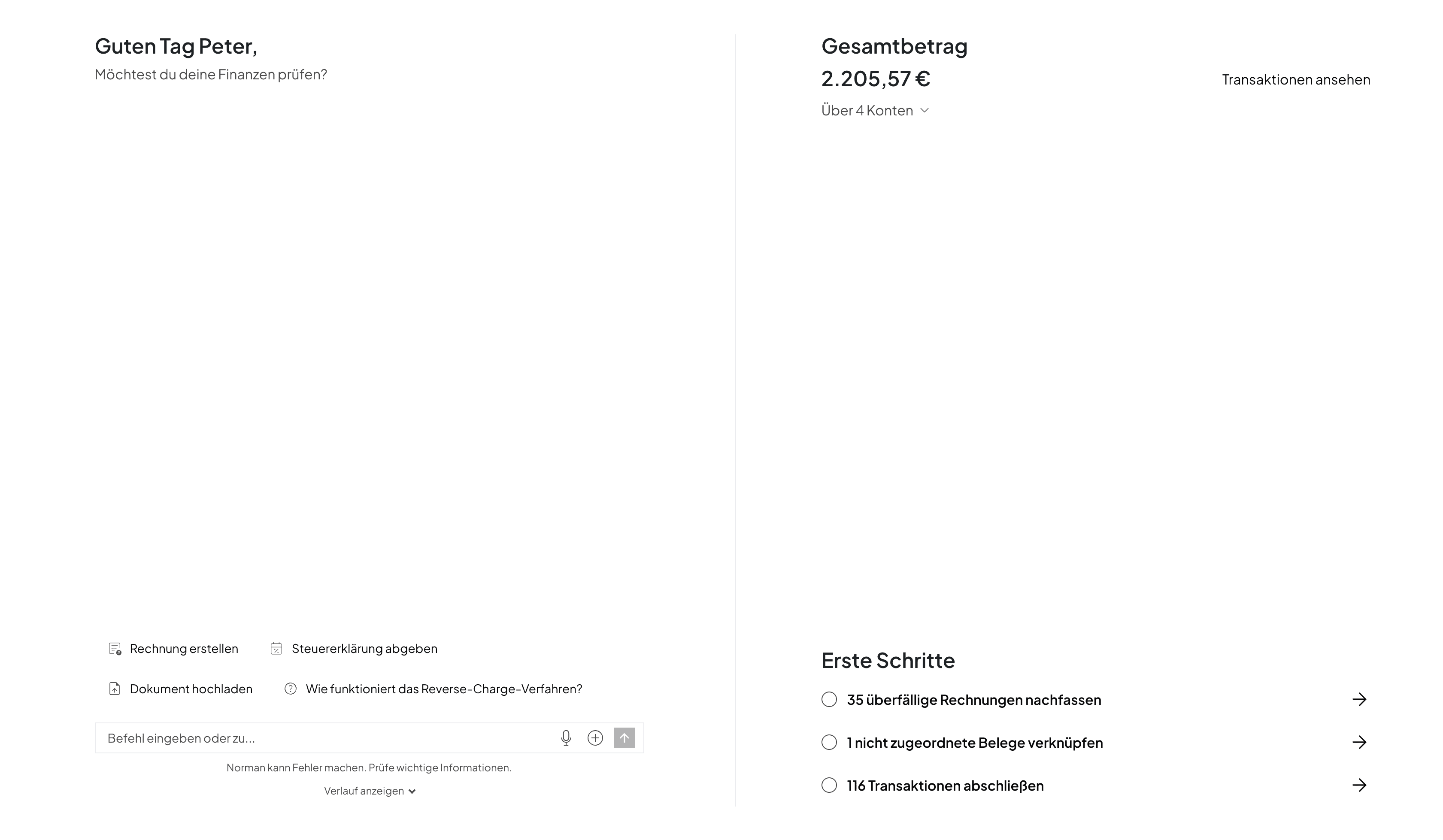
We built Norman with simplicity and automation in mind. You should spend as little time on Norman as possible, and whenever you log in, it should be absolutely clear what you need to do and why.
 Peter BoykoFounder of Norman
Which tool fits you?
- Kleinunternehmer without VAT filing: Norman (free) or Papierkram Free.
- VAT-liable with full tax automation: Norman.
- English-language interface: Norman, Accountable, Sorted.
- Need a payroll module: Lexware Office.
- Close advisor collaboration / high receipt volume: BuchhaltungsButler or Lexware Office.
- Bank account + bookkeeping in one app: Vivid Business.
- Invoicing-first: see invoicing software for freelancers.
FAQ
Which accounting software is best for the self-employed? There's no single best, there's the right one for your VAT status and receipt volume. Kleinunternehmer do best with a free tool; VAT-liable solo self-employed need full tax scope without an upsell trap.
Is there free accounting software? Yes. Norman is permanently free for invoicing, receipts, and bank reconciliation; Papierkram has a free tier. You usually pay only for tax scope (USt-VA, EÜR, income tax) or a higher receipt volume.
What does accounting software for the self-employed cost? Regular plans usually run €0–35/month, almost always net, i.e. plus 19% VAT. Watch for intro discounts that lapse after three months.
Which software is DATEV-compatible? Practically all major tools offer DATEV export. The real question is whether your advisor actually uses the interface.
Do I still need ELSTER? No, if the software submits USt-VA and EÜR directly, e.g. Norman, Lexware Office, or sevDesk. Tools that only export (like FastBill) push you back to ELSTER.
Are all tools GoBD-compliant? Established providers, yes. Ask for the audit certificate at sign-up, hobby tools like Excel or Notion don't meet the requirements.
Can I file my income tax return inside the software? Only a few tools can, Norman is one of them.
Bottom line
The right choice doesn't come down to feature lists, it comes down to your VAT status, your patience for manual bookings, and your budget. Compare regular prices instead of promo rates, check the tax scope you can actually submit directly, and bet on real automation. For most solo self-employed, a modern AI solution is the fastest and cheapest option, with a free entry tier and €9/month for full tax scope, Norman fits that profile. For more complex situations, the hybrid model with a tax advisor still wins.
Bookkeeping free, taxes from €9/month
Instead of paying for features you never use: with Norman, invoicing, receipts, and bank reconciliation are completely free, with no limit. The AI categorises your transactions automatically and pre-fills your USt-VA, EÜR, and income tax return directly, full tax scope from €9/month. In English, German, and more languages.