
PIT advances: how Norman calculates them and how to pay
Each month Norman calculates a JDG's PIT advance from your records. The advance is paid, not filed: to your tax micro-account, with the form symbol and the period.
Updated
For a JDG, Norman calculates the income tax advance every month. It is a calculation, not a return to file: you pay the advance to your tax micro-account.
What Norman calculates the advance from
- Entries confirmed in the KPiR or the revenue register, including the invoices you issue in Norman.
- Approved, categorised operations without a linked entry in the book.
- Social contributions paid, recognised in approved operations.
- The year-to-date figures from before your first month in Norman, if you entered them.
Private spending and tax payments do not affect the advance. When Norman keeps the KPiR in step with your operations (the notice on the KPiR page), the advance is worked out from the book only, and operations go into it at once, even before you review them: see Operations and the tax book (KPiR). If the period has unreviewed operations, the advance page shows how many, with a Review link. You can still pay the advance, but it is worth reviewing them first.
How the advance is calculated
The advance is calculated year to date, and the advances due for earlier months are subtracted from the result.
| Tax form | Rules |
|---|---|
| Tax scale | 12% of income up to PLN 120,000 a year and 32% above, less the PLN 3,600 tax-reducing amount. The health contribution is not deductible. |
| Flat tax | 19% of income. The health contribution paid is deductible up to the annual limit (PLN 14,100 in 2026). |
| Ryczałt | The rate depends on the revenue category. Half of the health contribution paid is deducted from revenue. Costs do not lower ryczałt. |
Costs of a car also used privately count at 75%.
Norman keeps an advance you marked as paid in the following months. Open calculations change when you add or fix documents.
When Norman cannot calculate the advance
The report shows why, for example:
- an issued invoice is not confirmed in the book yet: open the KPiR, section Invoices to review, and click Review and record;
- on ryczałt, a revenue category has no rate: set it under Lump-sum rates of revenue categories;
- a document in another currency is waiting for the NBP rate;
- the figures from before your first month in Norman are missing.
How to pay
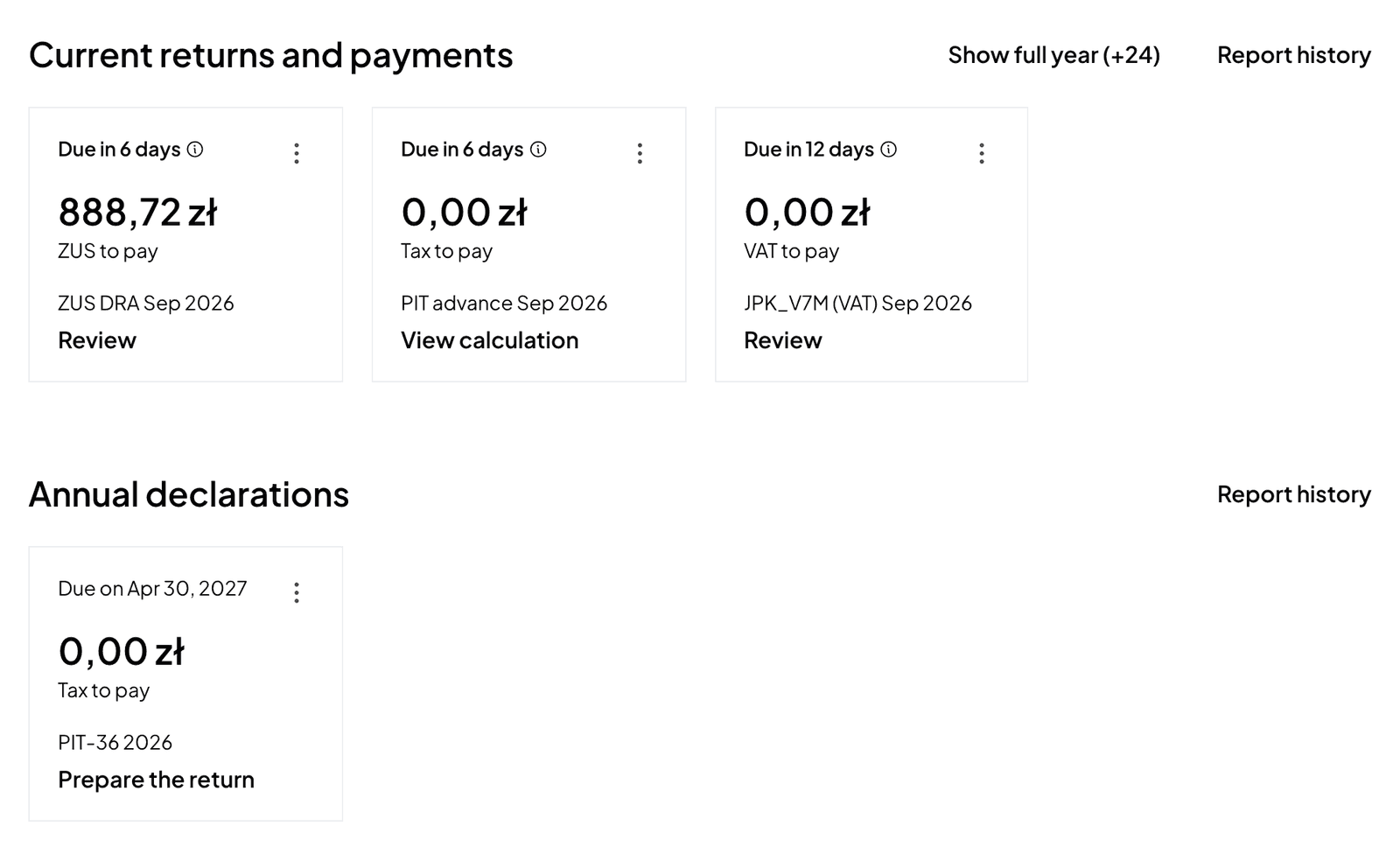
- Open the PIT advance report on the Taxes page. Its How to pay section gives the deadline, the symbol and the period.
- Pay by tax transfer to your tax micro-account by the 20th of the following month. You find the micro-account number with the generator on podatki.gov.pl.
- In the transfer, enter the form symbol for your tax form: PIT36 (tax scale), PIT36L (flat tax) or PIT28 (ryczałt), and the period, for example 26M09 for September 2026.
- Once paid, mark the advance as paid.
A wrong symbol can book your payment against another tax.
If you switch on reminders in the tax settings, Norman reminds you a few days before the deadline and on the day: in the app, by push and by email.
Switch to AI accounting with Norman
Connect KSeF and your bank, and your operations land in Norman by themselves. Norman prepares your returns from your documents, and you check them.