Deduct Your Laptop in Germany 2026: How Self-Employed Pros Get the Full Write-Off

Peter
Updated on:
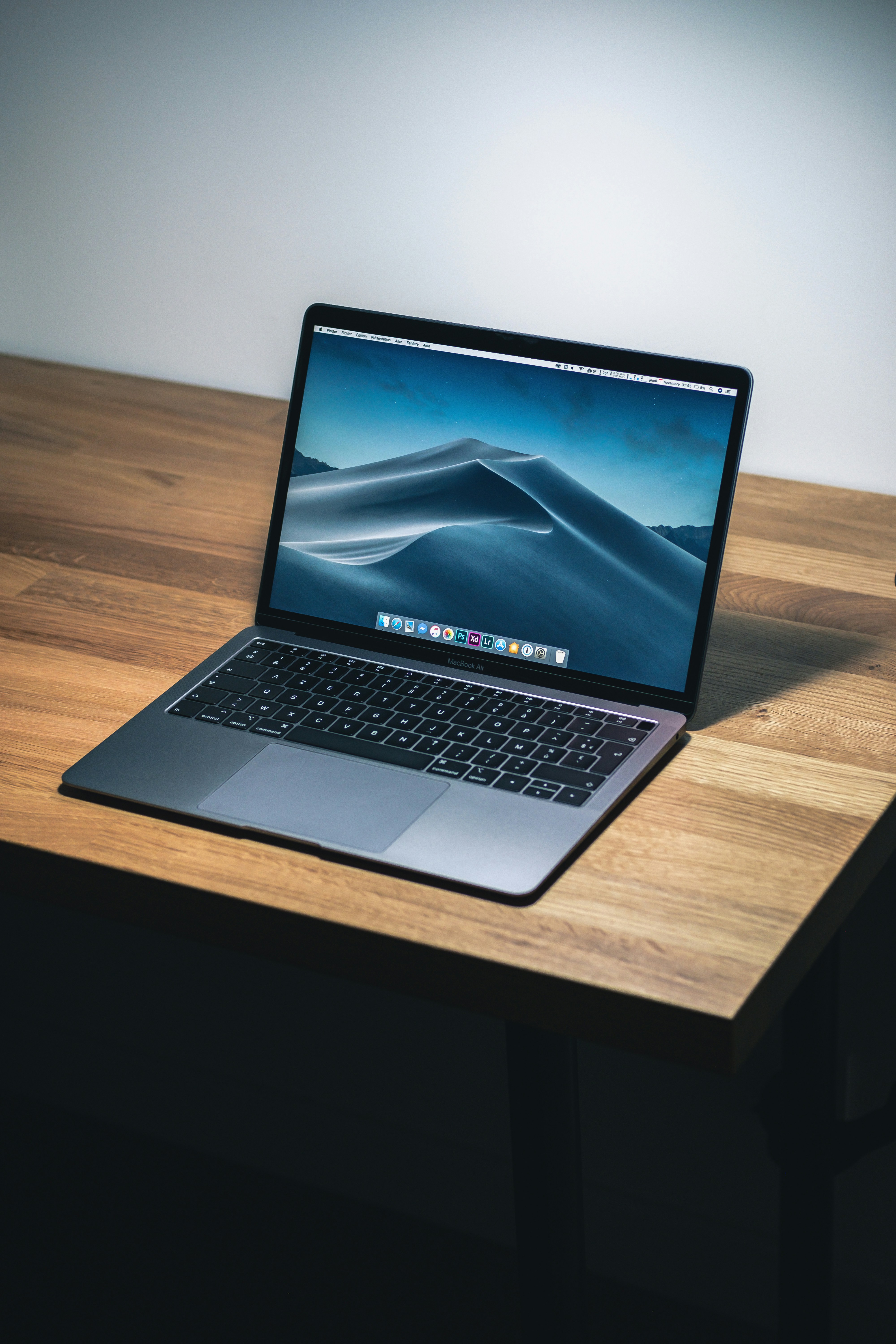
A new laptop easily costs €1,500, and a MacBook Pro can hit €3,500 or more. The good news: as a self-employed professional in Germany, you can deduct the full amount as a business expense — and since 2021, even in a single tax year. Here's how it works, what to do about mixed business and private use, and how to book it correctly.
Can I deduct my laptop in Germany?
Yes — if you use the laptop for your self-employed work, it counts as a business expense (Betriebsausgabe). This applies to freelancers, sole traders, tradespeople, and incorporated entities like UG and GmbH. What matters isn't what's on the invoice, but how you actually use the device.
Even employees can deduct a laptop as work-related expenses (Werbungskosten) on their income tax return — provided their employer doesn't supply one. This article focuses on the self-employed case, where the rules are most generous.
Book your laptop in 30 seconds, not 30 minutes
Norman scans your invoice automatically from a phone photo, files it under the right category, and pushes the VAT into your next UStVA filing. No manual booking, no categorization, nothing forgotten.
The key rule since 2021: 100% in the year of purchase
Until 2020, a laptop had to be depreciated over three years — meaning you could only deduct one-third per year. Since the BMF letter of 26 February 2021 (clarified on 22 February 2022), "computer hardware and software for data input and processing" is treated as having a one-year useful life.
In plain terms: whether your laptop costs €800 or €5,000, you can deduct the full purchase price in the year you bought it. The rule still applies unchanged in 2026.
The list explicitly includes:
Notebooks, laptops, MacBooks, workstations, desktop PCs
Tablets (iPad, Surface, etc.)
External monitors, keyboards, mice, webcams, headsets
Printers, scanners, docking stations, external drives
Operating systems and application software
A regular smartphone, by the way, is not on this list — phones still fall under the older low-value-asset (GWG) or standard depreciation rules. For a broader overview of what counts, see our list of typical work equipment deductibles.
How much can you deduct? (Full vs. mixed use)
The Finanzamt distinguishes between three scenarios.
1. Almost exclusively business (over 90%)
If you use the laptop almost only for work — client emails, bookkeeping, projects, research — you can deduct 100% of the purchase price as a business expense. Occasional private browsing in the evening is fine; the tax office considers that harmless private use.
2. Mixed use (10–90% business)
If you split between Netflix, gaming, family photos and client work, you have to estimate the business share and only deduct that. Example: a €2,000 laptop used 70% for business gives you a €1,400 deduction.
Tip: write down a short note explaining your estimate ("Laptop used about 70% for self-employed work — roughly 6 hours per workday for business, 2 hours private on weekends"). If the Finanzamt audits you later, you need to justify the share plausibly.
3. Mostly private (under 10% business)
If business use is below 10%, the laptop counts as private property — you can't deduct the purchase. You can still claim individual costs (e.g. repairs) proportionally.
VAT: when you get 19% back
If you're VAT-registered (i.e. not a Kleinunternehmer under §19 UStG), you also recover the VAT on top of the income-tax deduction. On a €2,380 gross purchase, you reclaim €380 in input VAT — your effective net cost drops to €2,000.
Conditions: you need a proper invoice with VAT shown separately, and the laptop must be used at least 10% for business. With mixed use, you can choose to assign the laptop entirely to the business (full VAT recovery + private use taxed as a withdrawal) or only the business share (proportional VAT).
You claim the input VAT in the VAT pre-return (UStVA) for the month you received the invoice — not at year-end.
A concrete example
You buy a MacBook Pro in May 2026 for €2,380 gross (€2,000 net + €380 VAT). You use it 80% for business, 20% private.
Business expense (EÜR): 80% of €2,000 = €1,600 in tax year 2026
Input VAT recovery: 80% of €380 = €304 in your May 2026 UStVA
Income tax savings (assuming 35% marginal rate): €1,600 × 35% = €560 less income tax
Effective cost: €2,380 − €304 (VAT) − €560 (tax savings) = €1,516
So instead of €2,380, you actually pay around €1,516 — the state covers nearly 36% of the price.
How to book the laptop correctly
The laptop goes into your EÜR (income statement) or balance sheet as a business expense. Typical bookings depend on your chart of accounts:
SKR03: Account 0480 (low-value assets up to €800) or 4855 (immediate write-off for hardware/software) against bank/cash
SKR04: Account 0670 or 6260 against bank/cash
EÜR form: "Sofort abzugsfähige Anschaffungskosten" or "AfA — Sammelposten/Sofortabschreibung"
The exact account number doesn't really matter as long as you book it as an immediate write-off, not multi-year depreciation. The one mistake to avoid: don't accidentally apply the old 3-year AfA — that pushes two-thirds of your tax savings into future years.
Modern bookkeeping software handles this automatically. If you work from home, you can usually capture your laptop and other home-office equipment in one go — see our home office deduction guide.
Common mistakes — and how to avoid them
Mistake 1: Cash purchase, no proper invoice
A till receipt without your name on it isn't enough for VAT recovery. Order the laptop as a business customer and ask for a proper invoice with your business name — Apple, Amazon Business and MediaMarkt all support this.
Mistake 2: Hiding private use
If you genuinely use the laptop 60% for work, that's fine — just claim 60%. Claim 100% but the Finanzamt opens the laptop and sees Steam, Spotify, and private email installed in parallel, and your entire deduction is at risk.
Mistake 3: Wrong year
The relevant year is when you received the laptop, not when you paid the invoice (this matters for installments or pre-orders).
Mistake 4: Forgetting accessories
Bag, external mouse, USB-C hub, second monitor, mousepad — all immediately deductible as computer hardware. €200–400 of accessory costs often sit forgotten because they weren't on the "main invoice".
Mistake 5: Selling the old device the wrong way
If you sell your old laptop privately (e.g. on eBay), the proceeds are tax-free. If you sell one held in business assets, you have to book the proceeds as business income.
Common questions
Can I deduct a used laptop?
Yes — the purchase price counts whether the device is new or used. The one-year useful life applies the same way.
What about leasing or installments?
With leasing, you deduct each monthly payment as a business expense. With installments, the immediate write-off applies in the year of purchase — the installments themselves are just payment movements, not separate deductions.
What if I owned the laptop before going self-employed?
Then you transfer it into business assets ("Einlage") at its fair value at the moment of transfer. From that date onward, you can depreciate the value.
Is it worth buying at year-end?
If you've had a strong year and want to reduce taxes: yes. A €2,000 laptop in December reduces your profit by €2,000 and saves around €700 in taxes at a 35% marginal rate. Use our tax calculator to estimate the impact in your own bracket.
Conclusion
A laptop is one of the simplest and largest business deductions for self-employed people in Germany. Since 2021 you can deduct the full purchase price in the year of acquisition — no more spreading over three years. Three things to get right: a proper invoice in your business name, an honest estimate of any private use, and booking it as an immediate write-off. If you want to automate that instead of typing every receipt manually, take a look at Norman vs Lexoffice — receipts get captured by phone photo in seconds.
More on the topic: